
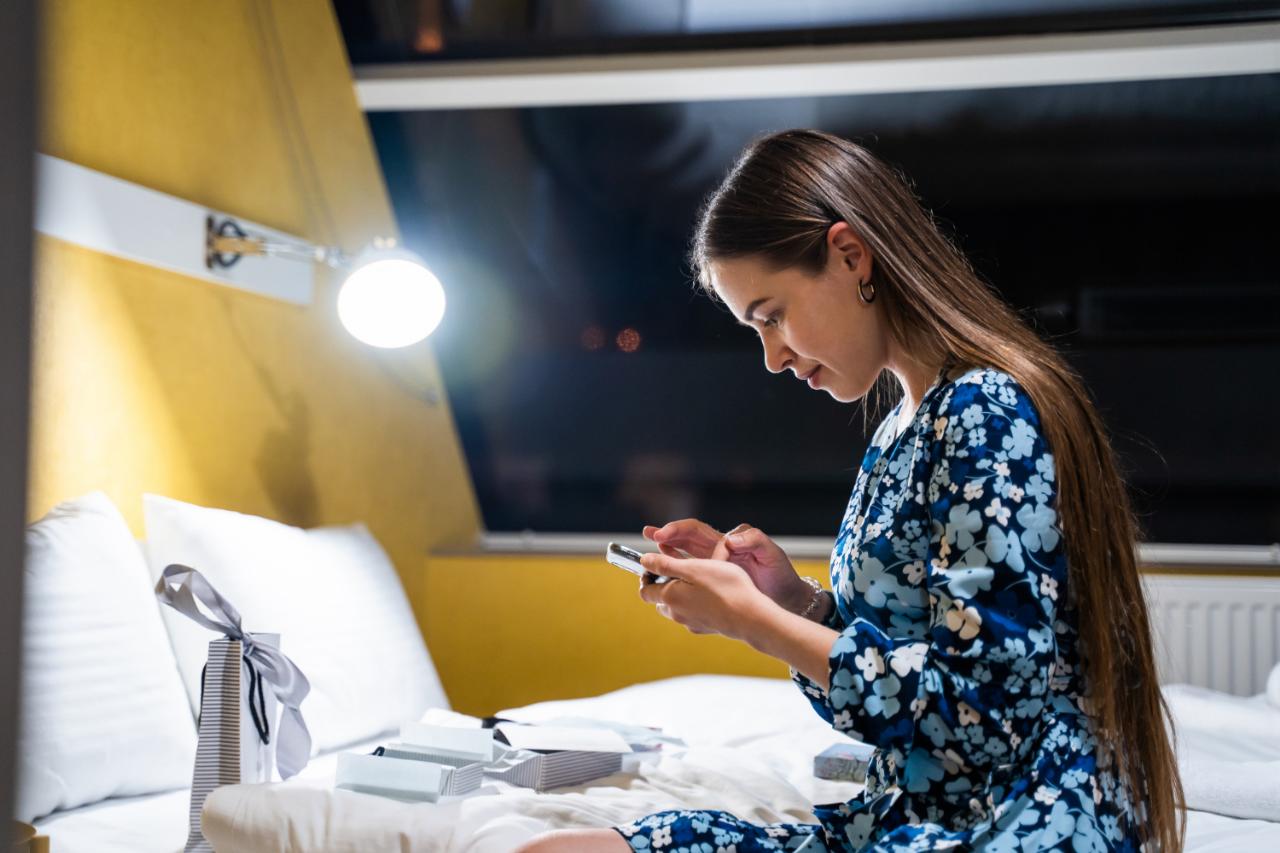
One of the main culprits behind screen-related eye discomfort is blue light, the high-energy wavelengths emitted by smartphones, laptops, and TVs. Beyond causing digital eye strain, blue light disrupts your sleep cycle by interfering with melatonin production. Wearing blue light glasses and adjusting your screen settings are two straightforward ways to limit its impact, especially during long hours of screen use. In this article we share six tips to help you create a healthier screen environment at home.
6 Tips to Create a Healthier Screen Environment
1. Reduce Blue Light Exposure from Screens
One of the most significant sources of eye discomfort when using screens is blue light. Emitted by devices like smartphones, laptops, and TVs, blue light can contribute to digital eye strain and interfere with your sleep cycle. To minimize its effects, consider adjusting your screen settings, using dedicated software, or wearing blue light glasses designed to filter out the harmful wavelengths that cause discomfort during prolonged screen use.
Many modern devices come equipped with built-in blue light filters. Features like Night Shift on Apple devices or Night Light on Windows automatically shift the screen’s color temperature to warmer tones in the evening. Third-party programs like F.lux offer similar functionality and are easy to install. Together, these software adjustments and protective eyewear can help you feel more comfortable during screen use and improve your sleep quality.
2. Follow the 20-20-20 Rule
One of the simplest and most effective strategies for reducing eye strain is following the 20-20-20 rule. Every 20 minutes, take a 20-second break and look at something 20 feet away. This technique gives your eye muscles a chance to relax and refocus, preventing them from becoming fatigued. It’s easy to forget to take breaks when you’re engrossed in a task, but implementing this rule can help keep your eyes refreshed and reduce discomfort from staring at a screen for too long.
3. Optimize Screen Position and Room Lighting
The way your screen is set up, as well as the lighting in your environment, can greatly impact how comfortable your eyes feel. Ideally, your screen should be positioned at eye level, approximately 20 to 30 inches from your eyes. This setup reduces strain on your neck and helps you maintain good posture while you work or relax.
Lighting is another key factor. Bright, direct light can create glare on your screen and make it harder to see clearly. To reduce glare and make your screen time more comfortable, use soft, indirect lighting in your space. A desk lamp with adjustable brightness is a great option for controlling the lighting in your workspace. Ensuring that the brightness of your screen matches the lighting in your room can also prevent eye strain.

4. Take Regular Breaks and Stay Active
Sitting for extended periods in front of a screen can not only strain your eyes but also your body. To combat this, take regular breaks from your screen. Stand up, stretch, or walk around to get your blood flowing and relieve any tension. Sitting for long stretches can lead to discomfort in your back, neck, and shoulders, so frequent movement is essential to reduce physical strain.
You might also consider a standing desk or alternating between sitting and standing throughout the day. This simple change can improve posture, circulation, and overall comfort while working or browsing.
5. Create a Screen-Free Zone
Sometimes, the best way to improve your screen environment is to create boundaries. Setting up a screen-free zone in your home, particularly in your bedroom, can help your eyes and mind relax away from the constant stimuli of digital devices. Avoid using screens right before bed, as blue light exposure in the evening can interfere with your natural sleep patterns.
Instead, try reading a physical book, meditating, or engaging in other relaxing activities that don’t involve screens. Establishing this screen-free zone in the evening will not only help your eyes rest but will also encourage healthier sleep habits.
Related Reading » Overexposure to Screens Among Children: Top Causes of Concern
6. Stay Hydrated and Use Artificial Tears
When you’re spending a lot of time looking at screens, your eyes may not blink as often as they should, which can lead to dryness and irritation. This is a common symptom of digital eye strain. To help alleviate this, make sure to stay hydrated by drinking plenty of water throughout the day. Staying hydrated will help keep your eyes moist and reduce dryness.
If you continue to experience dry eyes, consider using artificial tears or lubricating eye drops. These drops can provide relief and help maintain moisture in your eyes during long hours of screen use. Always choose preservative-free eye drops to avoid irritation from frequent use.
Conclusion
Your screen habits shape more than just your productivity. They affect your eyes, your sleep, and your overall sense of wellbeing. As we have seen in this article, small but deliberate changes go a long way. Whether it’s repositioning your monitor, stepping away every 20 minutes, wearing blue light glasses, or winding down without a screen before bed, each adjustment adds up to a meaningfully healthier relationship with your devices.
 Spot an error in this article? A typo maybe? Or an incorrect source? Let us know!